Components / Product
P
woo-product-category-count

Product Category Count

Show a category name with its live synced product count.

Setup steps

  1. Open the FramerWoo plugin and insert Product Category Count.
  2. Place this inside a product CMS context so it can read the current product automatically.
  3. Configure the component behavior in Framer's property panel.
  4. Style its default, responsive, loading, and empty states on canvas.
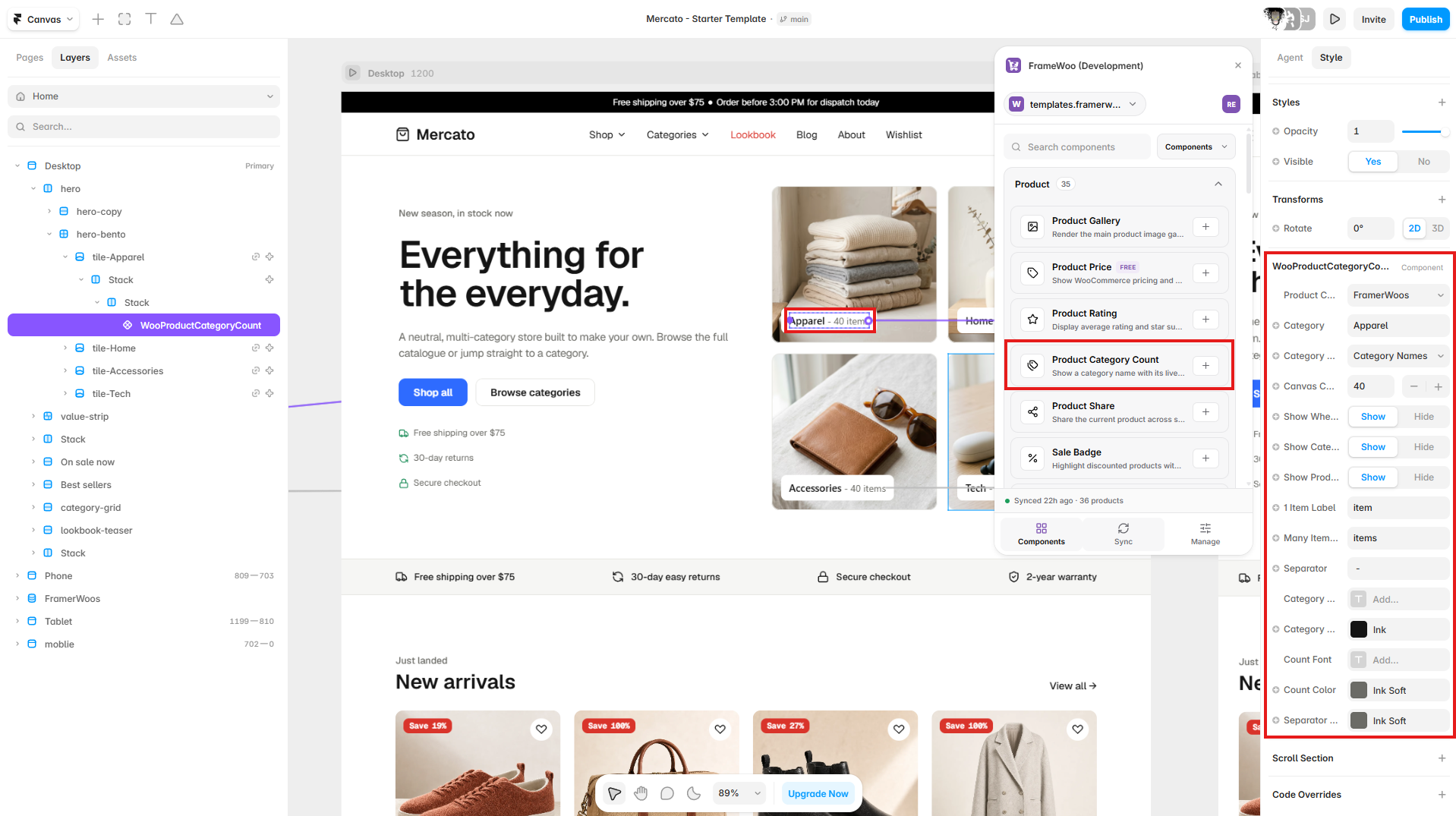
Product Category Count displayed on a Framer category tile with its collection settings open in the property panel
Insert Product Category Count in a category tile, then select its product collection, category field, and category.

Property panel

Use Framer's controls to connect context and match your visual system.

Context
Controls the WooCommerce or CMS data source used by the component.
Content
Controls visible labels, values, formatting, and empty-state copy.
Style
Controls typography, colors, spacing, alignment, and responsive behavior.
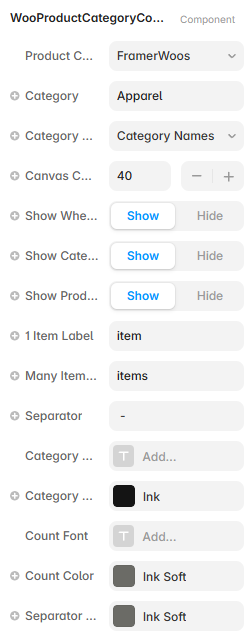
Framer property controls for the Product Category Count component
Product Category Count controls for category data, canvas count, visibility, labels, separators, fonts, and colors.
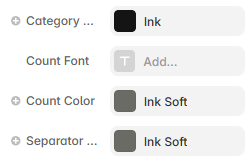
Product Category Count typography and color controls in Framer
Use the typography and color controls to style category names, counts, and separators.