Setup steps
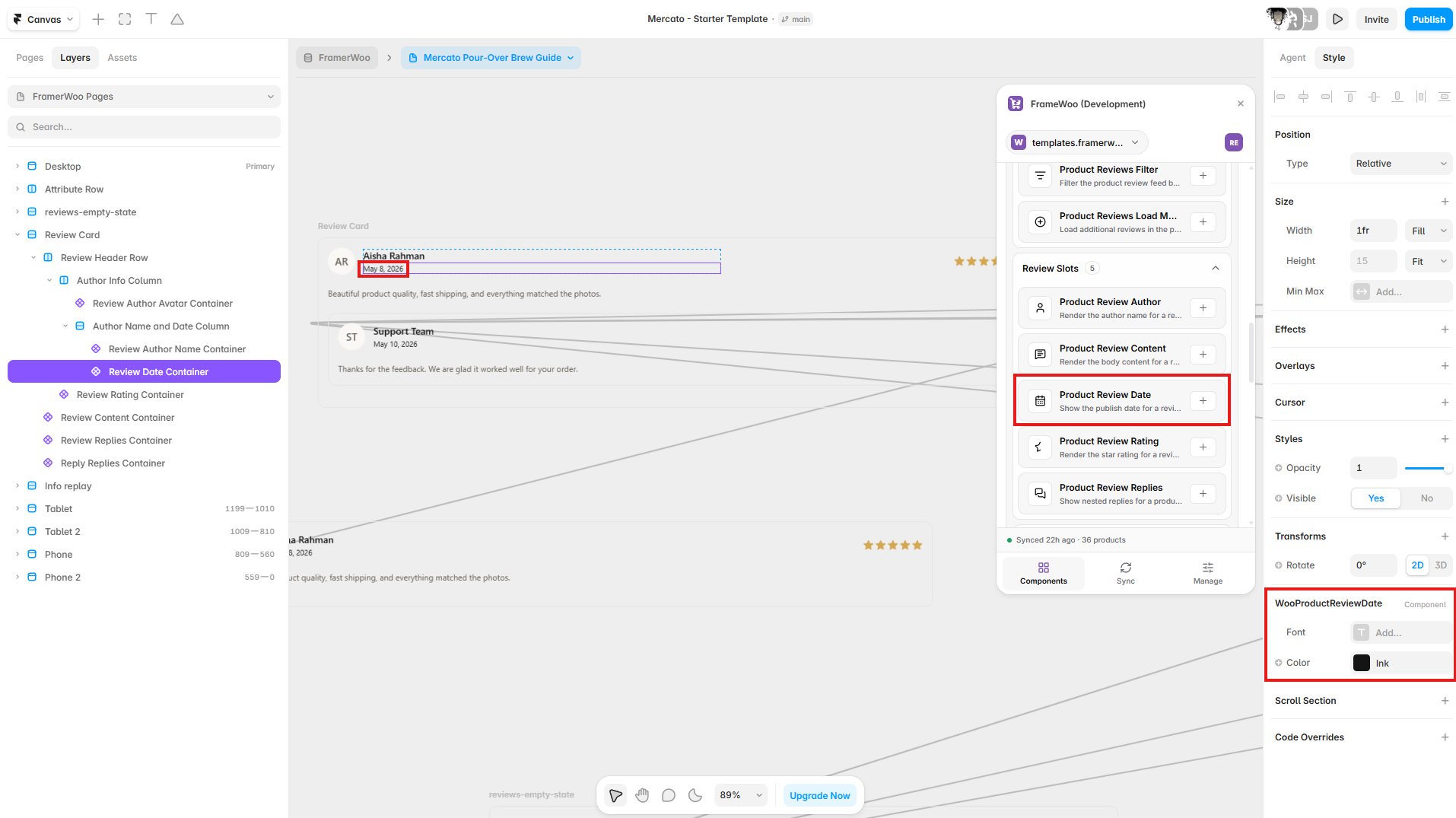
- Open the FramerWoo plugin and insert Product Review Date.
- Place this inside a product CMS context so it can read the current product automatically.
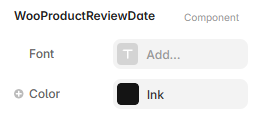
- Configure the component behavior in Framer's property panel.
- Style its default, responsive, loading, and empty states on canvas.
Property panel
Use Framer's controls to connect context and match your visual system.
- Context
- Controls the WooCommerce or CMS data source used by the component.
- Content
- Controls visible labels, values, formatting, and empty-state copy.
- Style
- Controls typography, colors, spacing, alignment, and responsive behavior.